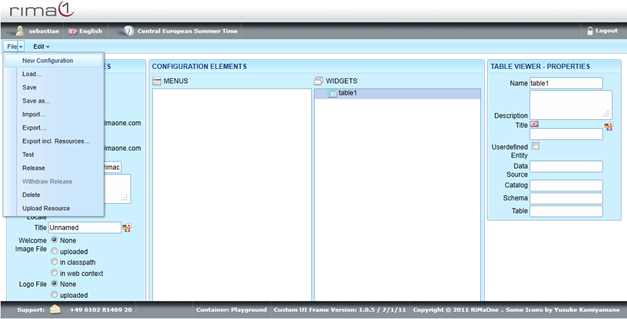
Short Introduction on Table Viewer:
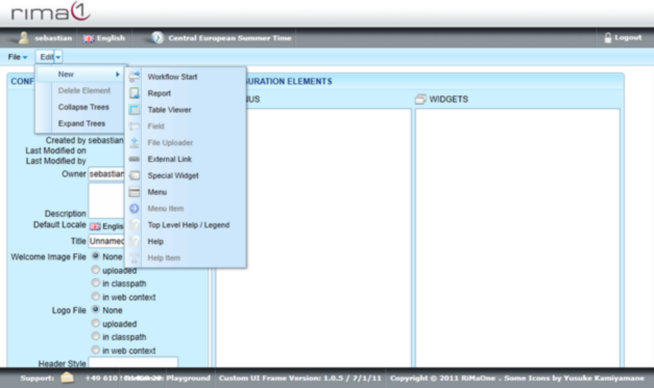
To create a table viewer open up the Edit menu, select New and click one Table Viewer.
 i
i
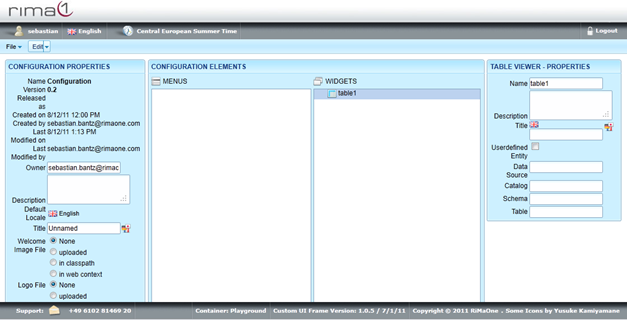
Click on the newly created Table Viewer in Widgets to edit Name, Description, Title, User Defined Entity,
Data Source, Catalog, Schema and Table.
Remember to save all your changes in the File menu with Save.