Short Introduction on Reports:
The Report functionality connects the custom ui with the default reports in TrackingOne.
This allows users to create reports within the custom ui according to the report template located
in TrackingOne. The report functionality needs to be linked to an menu item in order to be
available in the custom ui.
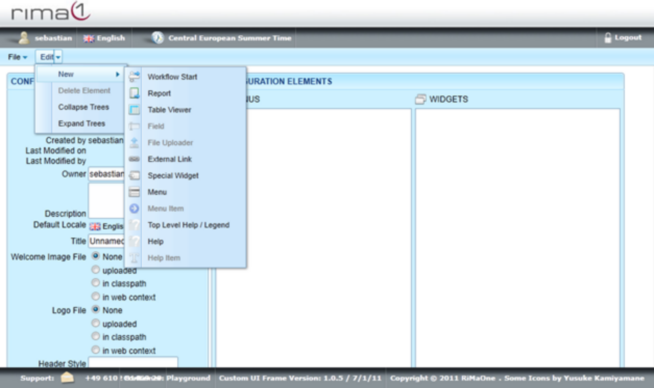
To create a report open up the Edit menu, select New and click on Report.
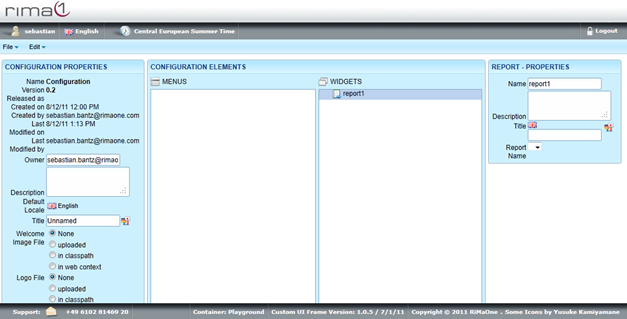
Click on the created Report in Widgets to edit Name, Description, Title and Report Name.
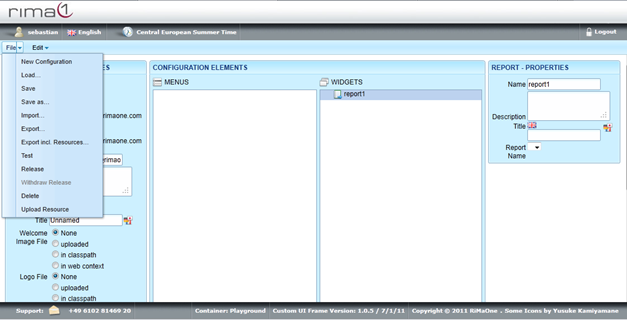
Remember to save all your changes in the File menu with Save.