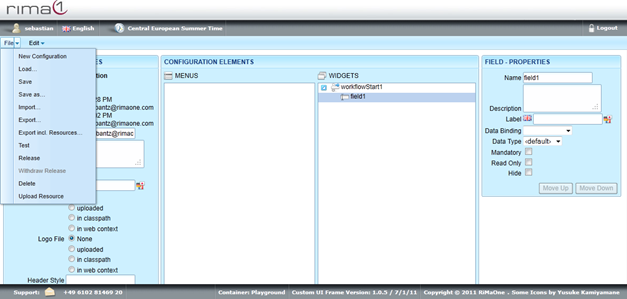
Short Introduction on Fields:
Fields are intersection points where parameters can be transferred to the server. This enables
users to set UDAs for action points or choose classifications as search criteria for reports.
Fields can only be created for workflow starts or reports.
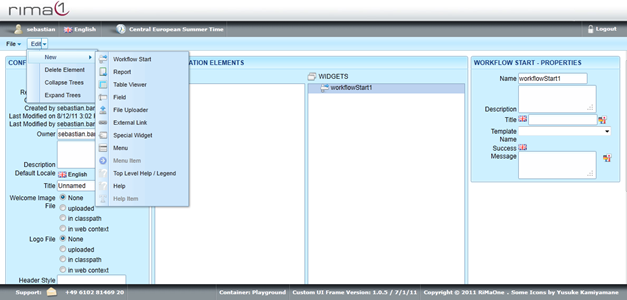
To create a Field click on the Report or Workflow Start you want to create the Field for.
Open up the Edit menu, select new and click on Field.
Click on the newly created Field to edit Name, Description, Label, Data Binding, Data Type,
Mandatory, Read only and Hide.
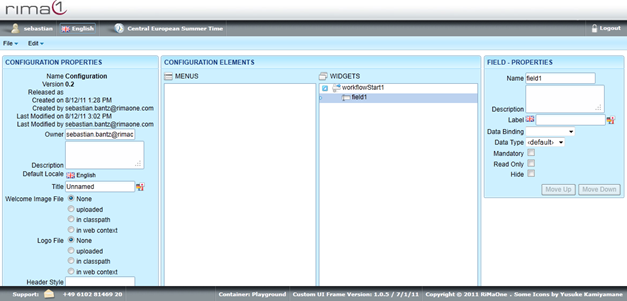
Remember to save all your changes in the File menu with Save.