Short Introduction on Configuration:
A configuration defines the contents of a custom user interface. Configurations are container specific and are therefore only available in the containers to which they belong, see section Containers, Configurations, and Resources. Next to their name every configuration has also a version. Because of this it is possible that several versions of the same configuration exist in one container.
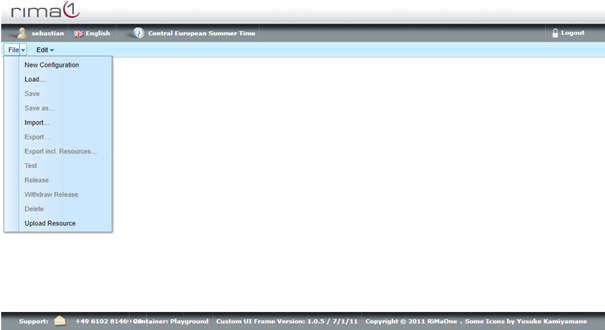
To start a new configuration open up the File menu and click on New Configuration.
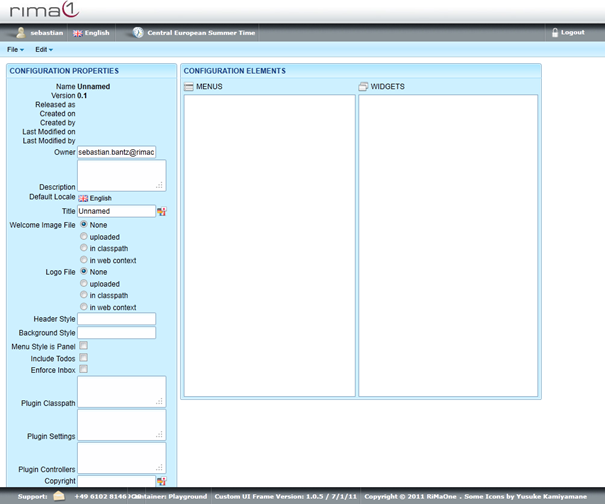
Edit Owner, Description, Default Locale, Title, Welcome Image, Logo File, Header Style,
Background Style, Menu Style, Include Todos, Enforce Inbox, Plugin Classpath, Plugin
Controllers and Copyright of the configuration.
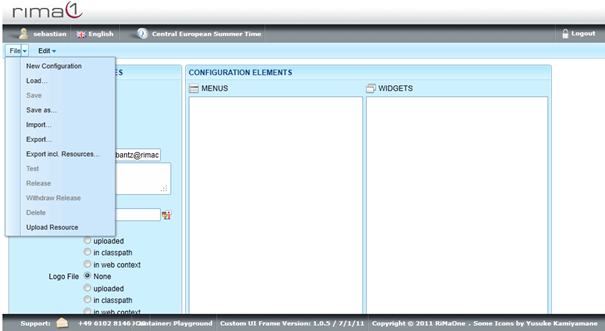
Once the new configuration is created remember to save it with Save as. Otherwise it will not be remembered by the server.
Furthermore, note that any change of the configuration will be saved only as a whole when you save it with Save or Save as. There is no saving function which is related to a part of the configuration. So it is a good idea to save your configuration from time to time.
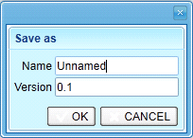
The save file requires a Name as well as a Version.