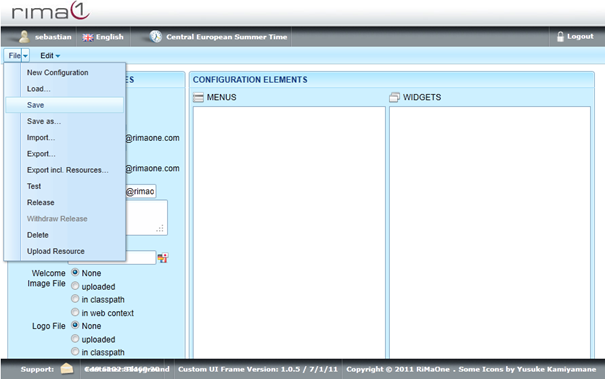
Short Introduction on Saving a Configuration:
A configuration can be saved as a new version of it (same name, different version number)
or as a new configuration (different name), or as an update of
the current version of the configuration (same name, same version number). When saving the configuration as a new version or
new configuration, the old version or configuration is preserved and can still be used. Whereas
when saving the configuration as an update of the current version, the former setting is lost.
To save a configuration as an update of the current version open up the File menu and
click on Save.