Short Introduction on Saving a Configuration:
A configuration can be saved as a new version of it (same name, different version number)
or as a new configuration (different name), or as an update of
the current version of the configuration (same name, same version number). When saving the configuration as a new version or
new configuration, the old version or configuration is preserved and can still be used. Whereas
when saving the configuration as an update of the current version, the former setting is lost.
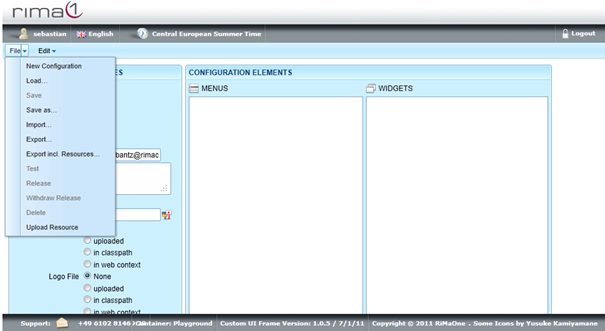
To save a configuration as a new version or new configuration open up the File menu
and click on Save as.
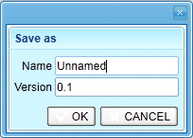
Now type in a new Name and/or Version depending on whether you want to save a new version
or a new configuration.
In order to decide if you want to save a new version of the same configuration or a new configuration, note that
only one configuration (identified by name) can be released at the same time. So you cannot release two different versions of the same configuration
at the same time, see section Containers, Configurations, and Resources.