Short Introduction on Testing a Configuration:
When testing a configuration you get a preview of the last save of
the configuration.
To test a configuration open up the File menu and click on Test. Remember to
always save before testing since the test is based on the last save.
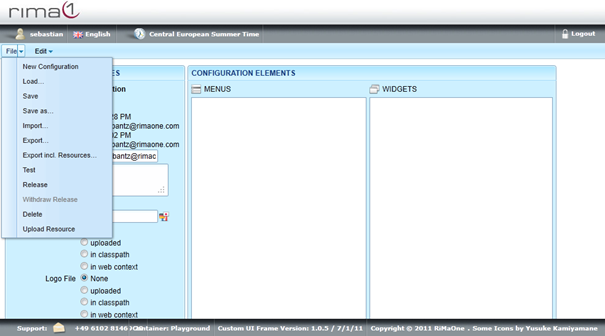
The test configuration will open up in a new tab.
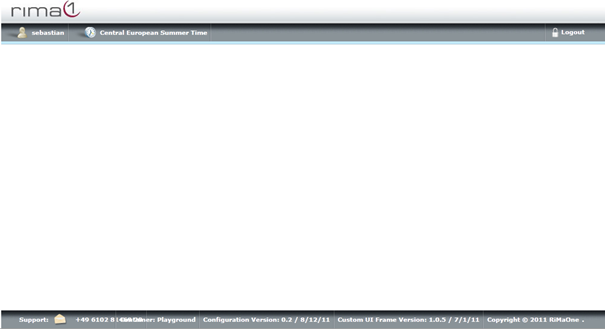
When testing with the Test menu item, note that you will be logged in as the same TrackingOne user as who you are already logged in in the configuration area. In particular, you will have your roles and role extensions.
In a future release, it will be possible to log in as different user.