Short Introduction on Releasing a Configuration:
Only configurations that are released can be used by users. This is supposed to
ensure that every configuration has been thoroughly tested before it is released.
The released status can also be withdrawn.
To release your current configuration open up the File menu and click on Release.
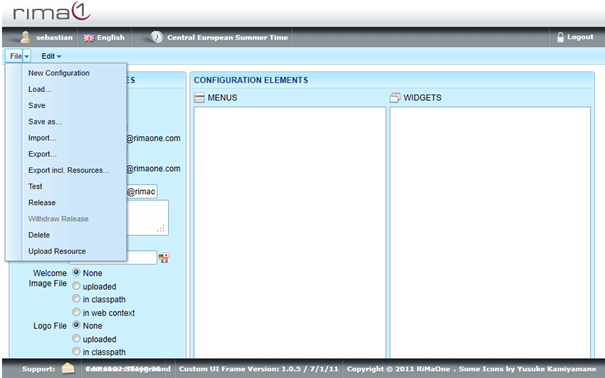
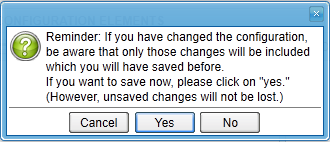
You are going to be asked whether you want to save your configuration before releasing it.
Choose Yes to save before releasing the configuration or No to release the configuration
without saving.
When releasing a configuration, a release of a version of the same configuration is withdrawn automatically, if any.